Meet Meow!
Please meet Meow!
Your new furry friend, a native macOS client for MistralAI.
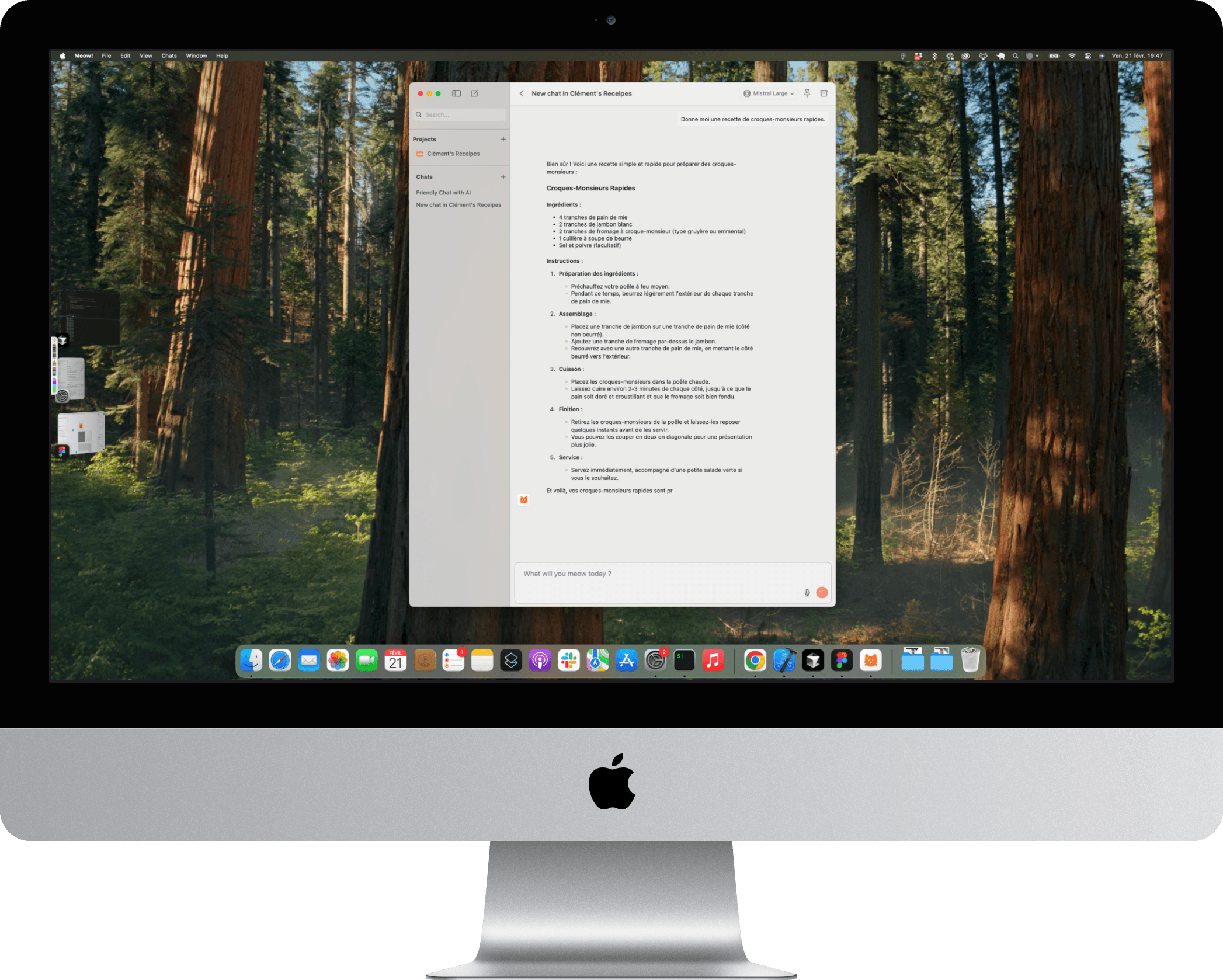
Why Meow?
As a lifelong Apple enthusiast—ever since my Junior High days with the iPod—and a dedicated Mac user and all Apple devices developer, I've always believed that native apps offer the best user experience.
When I began delving into Mistral AI's remarkable capabilities, I quickly realized what was missing: a genuinely native client that felt right at home on Apple platforms.
Although Mistral AI recently introduced "Le Chat" at the AI Global Action Summit in February (2025), using it left me feeling dissatisfied. It felt more like a cross-platform compromise rather than a truly native experience, leaving me wanting more.
As someone who has witnessed the rise of French Tech from its earliest days—both as a technologist and an investor—I firmly believe that our national AI champion deserves better. We need a native experience that showcases the best of French innovation and the excellence of Apple's platforms.
This vision gave birth to Meow!: a lightning-fast, privacy-focused client designed to bring Mistral AI's power to your Mac with unmatched elegance. No more browser slowdowns or cross-platform compromises—just pure native performance tailored specifically for macOS.
Built with Apple's latest technologies, Meow! is more than just another AI chat app. It's a testament to the fusion of French innovation and genuine platform-specific development. From thoughtful project organization to seamless iCloud sync, every feature is crafted with purpose and a deep respect for the platform.
As a passionate developer based in Lille, the heart of Europe, this project embodies my commitment to creating quality software that respects user privacy and adheres to platform guidelines. Meow! is more than a client; it's a statement that AI tools can be both powerful and delightful when they fully embrace their platform's potential.
The future looks bright, and we're just getting started. With upcoming features like image analysis, iOS, iPad, and visionOS support, along with more platforms on the horizon, I hope Meow! will redefine how we interact with Mistral AI on Apple devices.
Join us on this exciting journey, and let's make AI chat on Apple platforms truly exceptional.
Clément S, founder of Bits'n Coffee,
Entrepreneur, Developer, Angel Investor
Key features
Pure Native Experience
Built exclusively for macOS using the latest Apple technologies for lightning-fast performance and seamless integration.
Chat Pinning
Keep important conversations easily accessible by pinning them to the top.
iCloud Sync
Your conversations securely stored and synchronized across all your Apple devices through iCloud.
Project Organization
Keep your AI conversations organized with custom projects and workspaces. Some call them 'agents'.
Privacy First
Your data stays local, with (almost) zero tracking and complete control over your data.
Offline Access
Access your chat history and work seamlessly, even without an internet connection.
Image Analysis
Interact with images in your conversations for enhanced visual understanding.
Ephemeral Conversations
Create conversations that automatically vanish when you close them.
Multiplatform
Available on iOS, iPadOS, tvOS and watchOS for a seamless Apple ecosystem experience.
tvOS & watchOS
UpcomingExperiment AI with your Apple TV, first GenAI app to support it.
MistralAI x Apple Vision Pro
UpcomingExperiment AI with your Apple Vision Pro, first GenAI app to support it.
Gallery
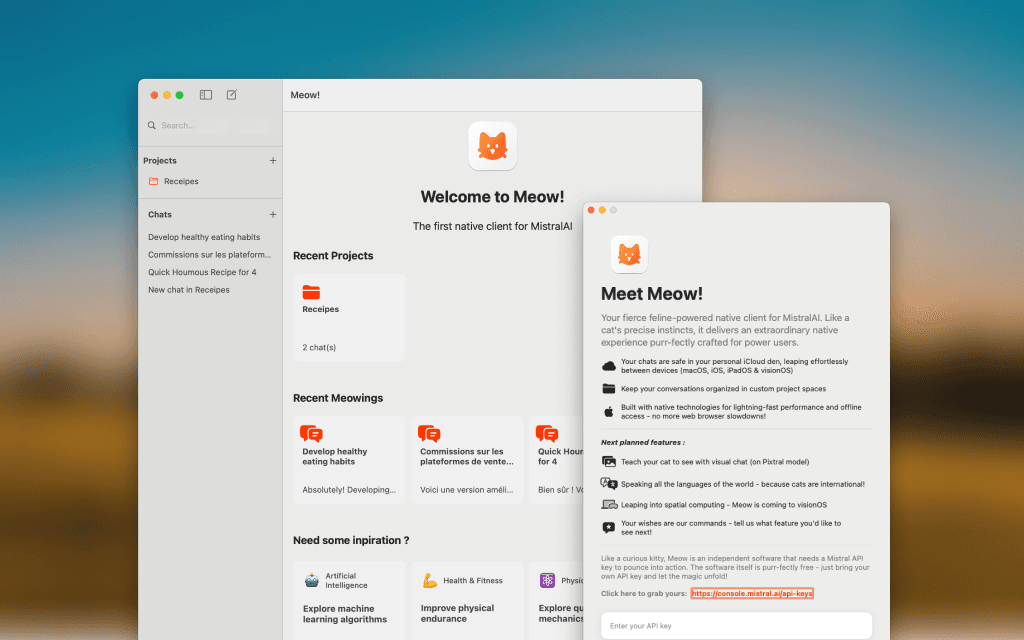
Beautiful Native Interface
A clean, native experience that feels right at home on macOS
How to Get Your API Key
Like a curious kitty, Meow needs a MistralAI API key to pounce into action. While the app itself is free, you'll need to set up your own API key to start chatting.
Good news - API keys are free too!
Quick Steps:
Visit the Mistral AI Console
Sign up for a free account if you haven't already (you can even use your Apple ID!)
Select the "Experiment" plan - it's completely free and perfect for regular use!
Navigate to Mistral AI Console and generate a new key
Copy the key and paste it in Meow's settings
About API Speed
While the free "Experiment" plan works great for most users, MistralAI also offers a "Scale" plan with faster response times. This is completely optional - Meow works perfectly with both free and paid API keys!
Privacy First
Your API key is stored securely in your personal iCloud account and syncs across your devices. It never touches our servers - we believe your conversations should be as private as a cat's secret napping spot.
Important Note
Meow requires a valid MistralAI API key to function. This ensures you have complete control over your API usage and billing (if using the "Scale" plan) with Mistral.
A question about Meow?
Report a problem, ask a question or share an idea. Your message goes directly to Clément, the app’s developer.
Contact & support