Case study · Poseidon
A different way to learn to sail.
Observe a situation, take action, then understand the rule. With Poseidon, I am exploring a new approach to learning for the French boating licence through native apps on iPhone, iPad, Apple TV and Apple Vision Pro. Around 90% of their code is shared.
- Client
- Independent project
- Scope
- Interactive learning · Native Apple apps · Shared architecture
- Clément
- Clément SauvageProduct Engineer & Technical Lead
- Role
- Learning experience design, product design and native multiplatform app development.
- Technology
- Swift · SwiftUI · Metal
01
Understand the situation before choosing an answer.
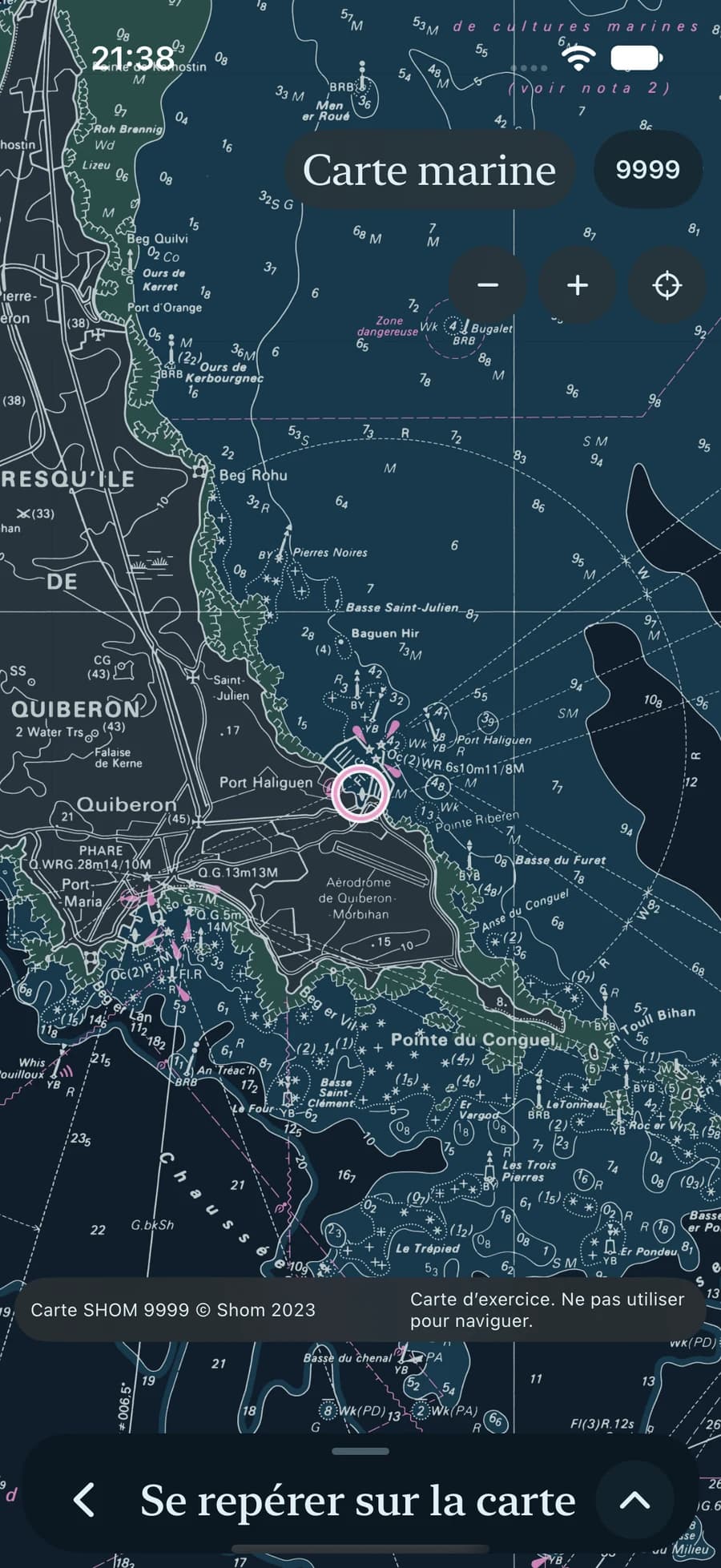
Preparing for the French boating licence means connecting rules to situations on the water. A vessel’s lights depend on the viewing angle. Tides change available depth. Anchoring requires an understanding of the seabed and room around the boat.
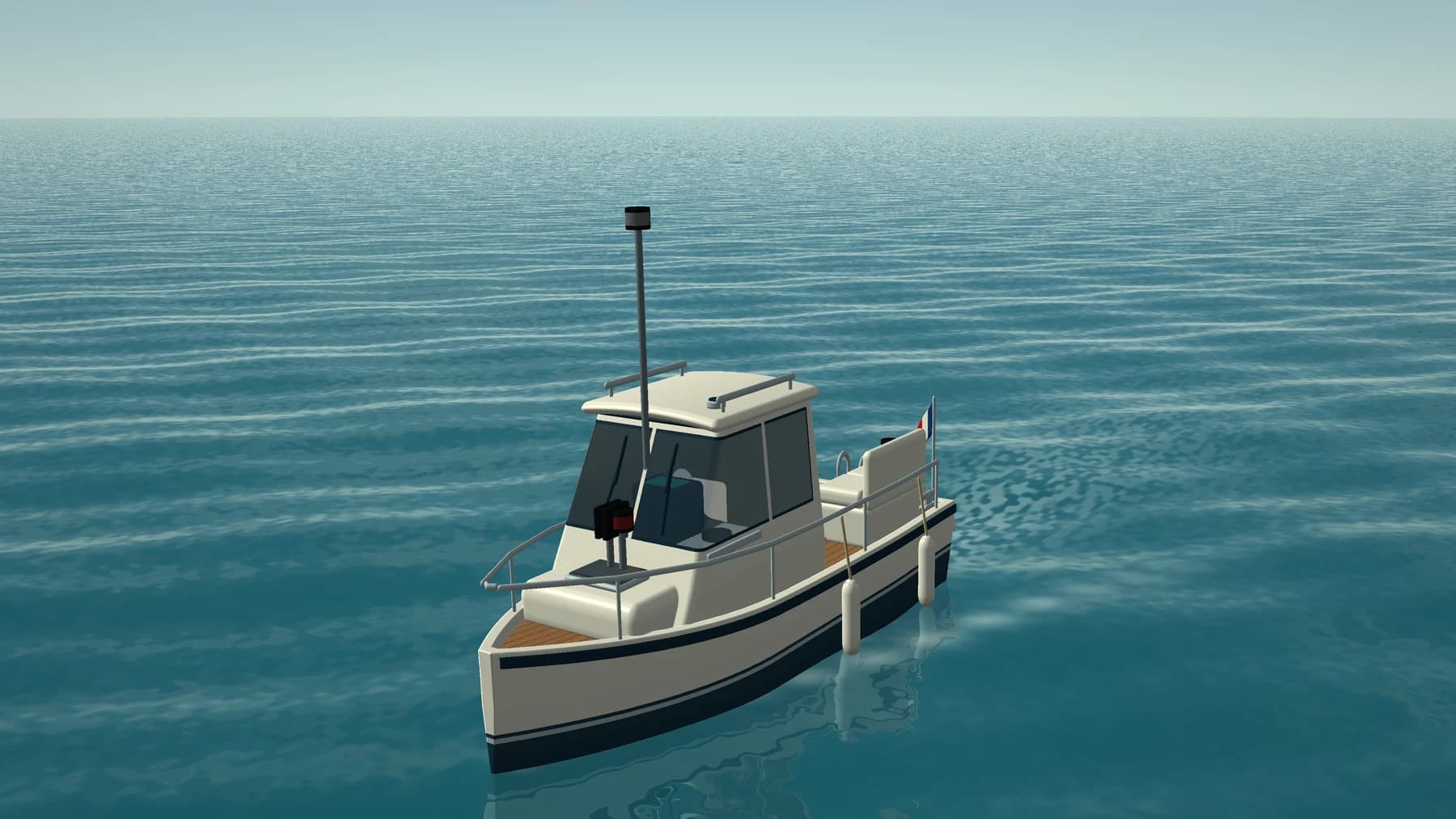
Poseidon uses these situations as a starting point for learning. Learners explore a scene, change a parameter and observe the result, then turn to the explanation and related questions. The purpose of 3D is to make a rule observable and give meaning to an answer.
Most of Poseidon’s content is unlocked through in-app purchases.
02
Observe. Experiment. Check.
Observe the cues
Identify lights, day shapes, navigation marks and the waterline. The scene provides concrete cues to connect with the lesson.
Change the viewpoint
Move around the vessel, step back or look below the surface. Another angle reveals relationships that a fixed image can hide.
Vary the conditions
Adjust the tide time or compare day and night. Observing what changes helps distinguish the conditions from the rule itself.
Connect action with the rule
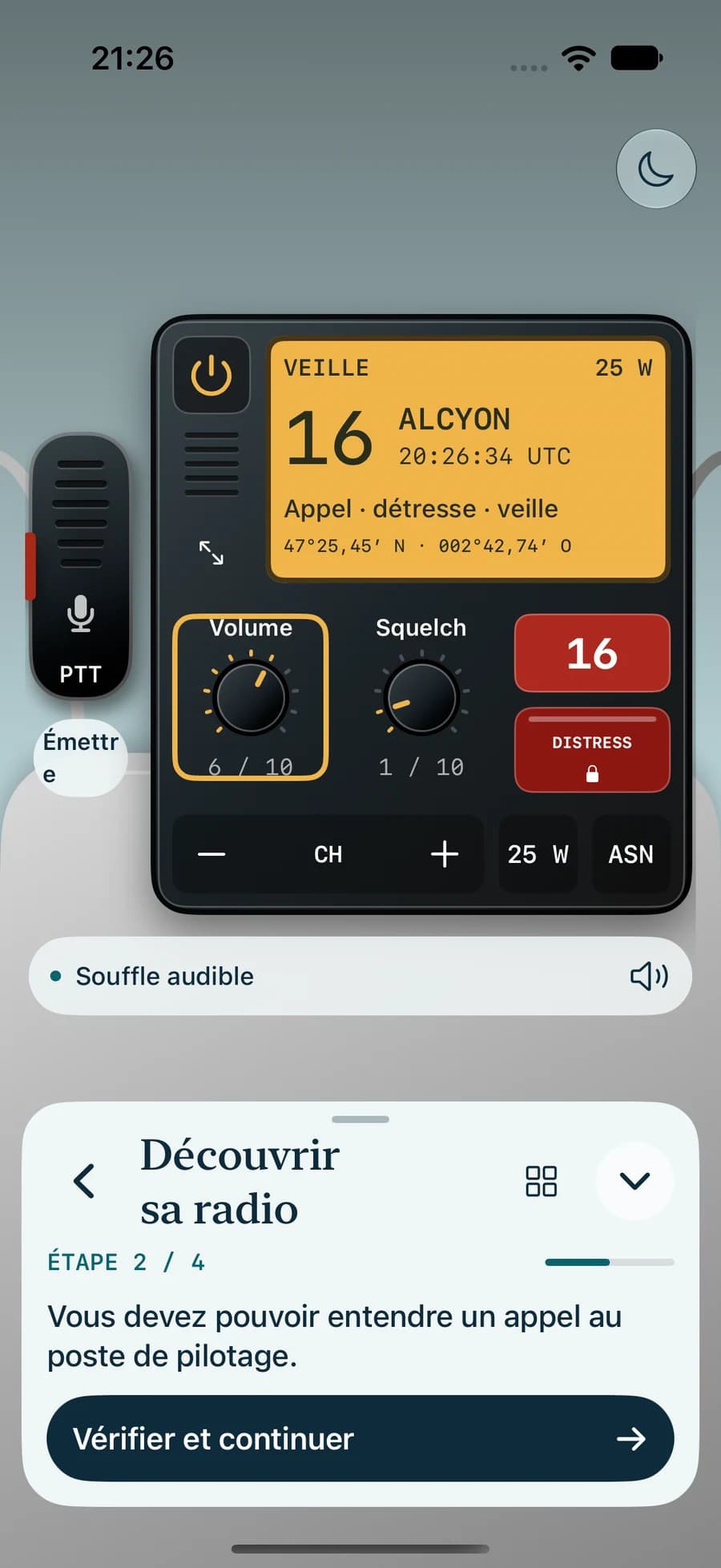
Operate the VHF or examine an anchorage, then read the related explanation. The action and its effect give context to the instruction.
Check the reasoning
Answer questions and review their explanations. The correction helps clarify the expected choice and identify cues that were overlooked.
Practise again
Revisit a concept through exercises and mock exams. The aim is to recognise the rule in another situation and explain the choice.
03
3D makes relationships visible.
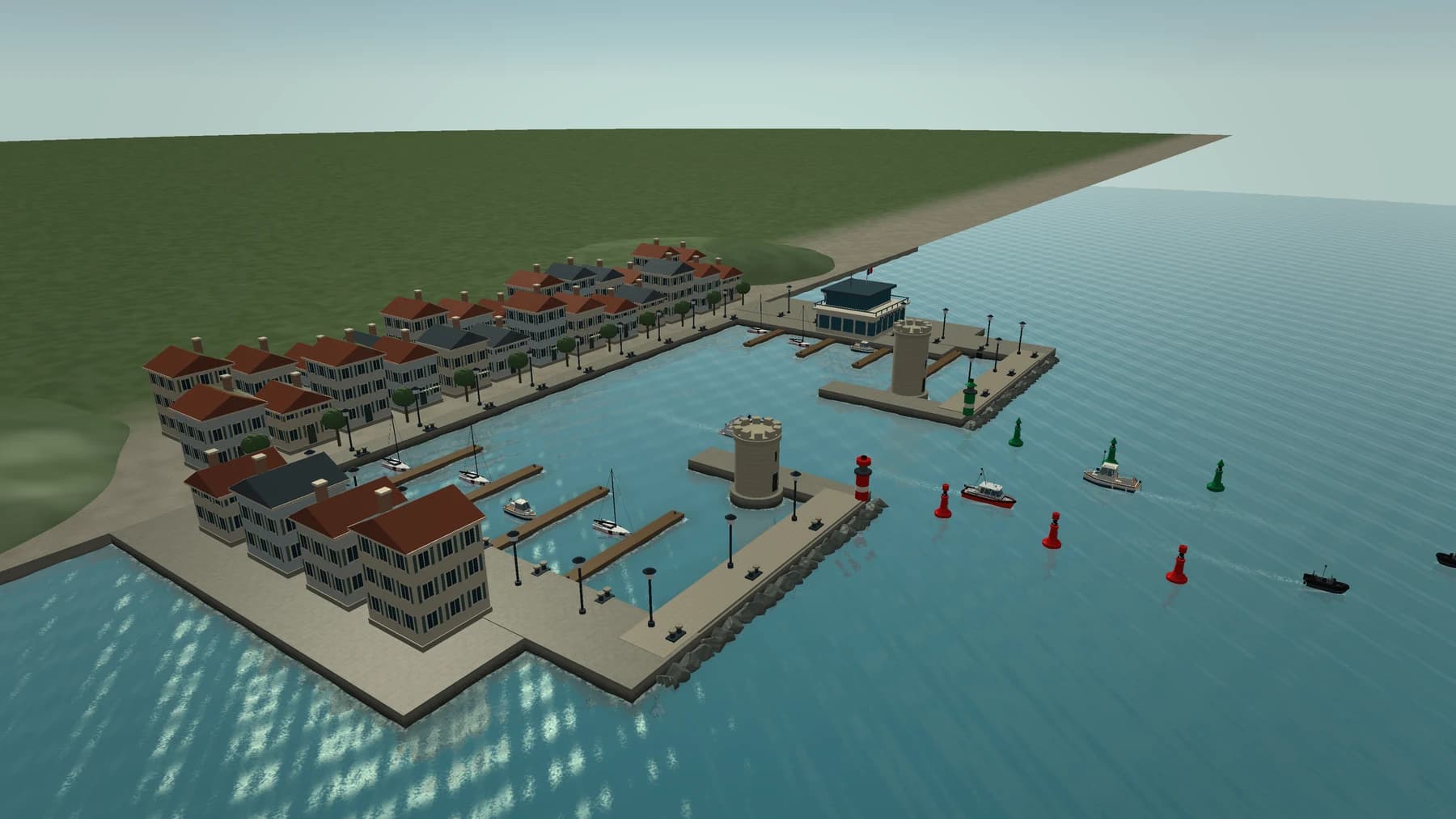
A static diagram chooses a viewpoint for the learner. An interactive scene lets them ask a question: what would I see from the other side of the vessel? How much room remains under the hull as the water drops? Where is the channel relative to my approach? Moving the camera becomes a way to reason about space.
I build scenes around what needs to be understood. Light sectors, day shapes, terrain and the waterline provide reference points. A cutaway reveals the seabed; switching from day to night changes the available cues. The challenge is to keep the object, environment and rule consistent with one another.
The visual work also serves readability: recognisable silhouettes, contrast, water materials and framing. Realism supports observation, with deliberate simplifications to isolate a concept. These scenes are learning aids, not a validated navigation simulator.
04
From interaction to pixels, with Metal.
Metal is Apple’s graphics and compute API. It lets an app directly prepare work for the graphics processor, or GPU. In Poseidon, Swift manages exercise state and interactions; Metal renders scenes from that state. Moving the camera or changing conditions updates the data sent to the renderer, then the next image.
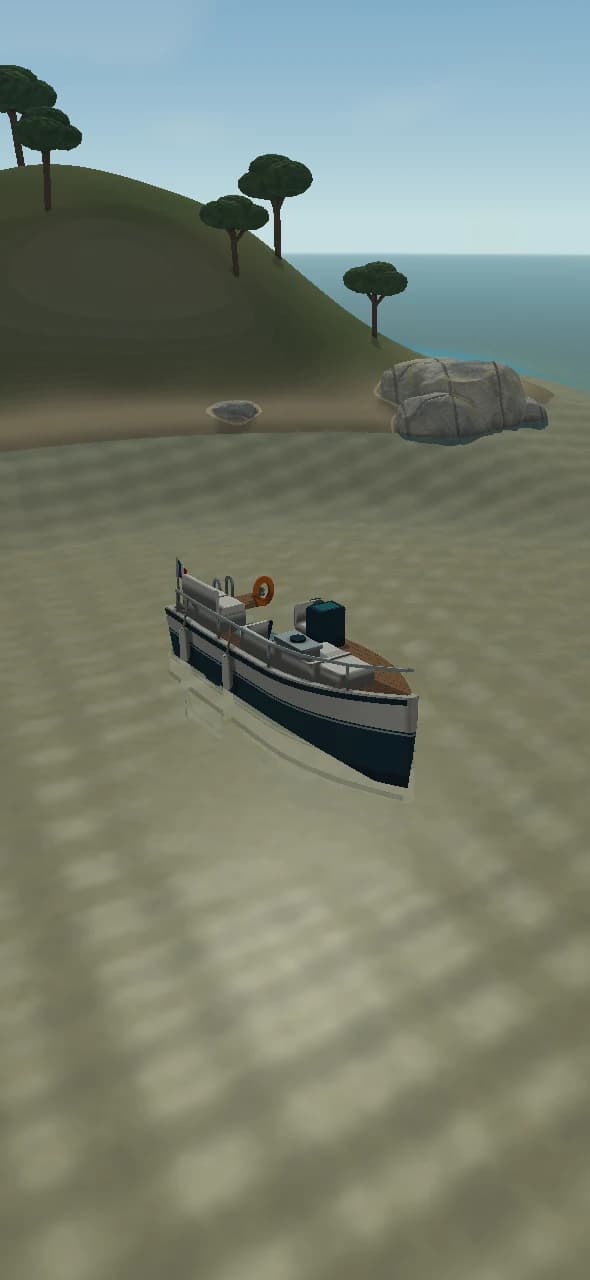
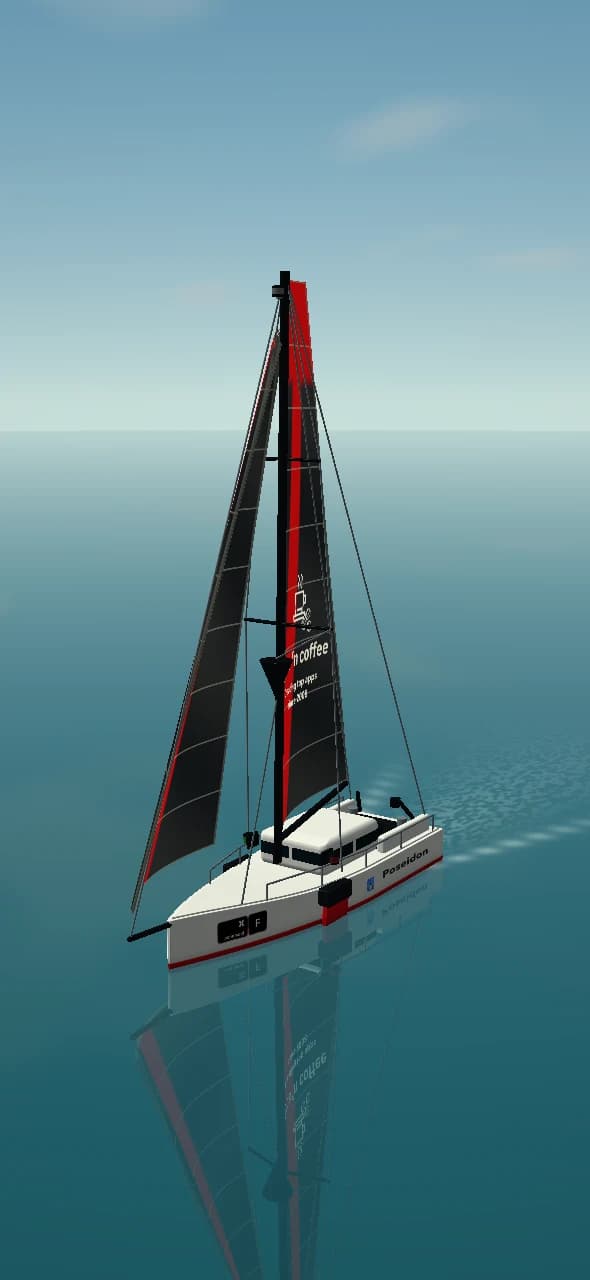
The main maritime scenes use procedural rendering. A triangle covers the screen and its shader reconstructs the scene for each fragment. From the camera, a ray advances through shapes described by distance functions until it meets a surface: this is ray marching. The renderer then calculates materials, lighting, reflections and water refraction. Terrain, vessels and sea can respond to the same scene parameters.
Metal provides precise control over calculations, resources and resolution, while allowing shaders to be reused across Apple platforms. This choice also means building and maintaining a renderer, monitoring its cost and adapting it to devices. Smoothness depends on the work done for each frame, not merely on the choice of API.
05
The main concepts behind a frame.
Follow an interaction on its way to the screen. Each concept has a specific role in that journey.
CPU & GPU · organise and calculate
The CPU (Central Processing Unit) is the device’s main processor: it runs the app and responds to your actions. The GPU (Graphics Processing Unit) is its graphics processor: it performs many calculations at the same time to produce images. In Poseidon, when you move around a boat, the CPU updates the viewpoint; the GPU recalculates the boat, water and reflections to display the new view.
Buffers & textures · carry data
A buffer is a space in memory where the app stores information needed by the graphics processor, such as the boat’s position, viewpoint or lighting. Think of it as a data sheet the processor consults to draw the scene. A texture stores information in image form. In Poseidon, it can hold the result of an initial drawing step before the final image is assembled.
Shaders · give the image its appearance
A shader is a small program that runs on the graphics processor. It tells it how to calculate part of the image: shapes, colours, lighting or reflections. In Poseidon, these programs calculate the hull’s appearance and reflections on the water, for example. When you change your viewpoint, they run the calculations again so the scene responds to your movement.
Pipeline · prepare the recipe
A pipeline is a set of programs and settings prepared to produce an image. Think of it as a recipe: it specifies which shaders to use and how to combine their work. Poseidon prepares different recipes for the sea, weather and safety, then selects the one for the scene. The same recipe can be reused for each new image.
Commands & passes · order the work
A command buffer groups work submitted to the GPU. An encoder records operations for a render pass; a command queue organises execution. Some scenes render to an intermediate texture before composing the final image.
Drawable · present the image
A drawable is the surface intended for display. MetalKit helps manage it in conventional views; SwiftUI provides the surrounding panels and controls. On Vision Pro, spatial rendering uses Compositor Services and adapts the projection for each eye.
06
Smoothness is measured, frame by frame.
Per-pixel rendering becomes more expensive as resolution increases. The renderer measures actual GPU time and compares it with the frame budget. When rendering takes too long, it reduces scene resolution and may lower the target frame rate. Quality can rise again when enough headroom returns. Text and controls remain in the native interface.
The renderer also limits pending frames to avoid accumulating input lag, and pauses its rendering loop when the view moves into the background. These choices balance readability, responsiveness and computational load. Configured frame rates are targets, not substitutes for measurements on each device.
07
Four platforms. Around 90% shared code.
The iOS, iPadOS, tvOS and visionOS versions use the same native codebase. Content models, rules and exercise logic are shared. SwiftUI provides common interface components; Metal is used for the educational scenes.
The aim is to evolve the learning experience in one place. A corrected rule or improved lesson benefits the foundation of all four versions. Platform-specific work focuses on presentation, controls and system integration. Shared code still needs verification in each device context.
08
The same learning experience, different ways to use it.
Sharing code leaves room for the particular strengths of each screen and input method.
iPhone
Explore by touch and study in a compact format. An expandable panel connects the scene, explanations and exercises.
iPad
Keep the scene and lesson side by side on a larger display, with touch controls and a layout that adapts to orientation.
Apple TV
Observe on a large screen and navigate exercises with the remote. Focus navigation and readability at a distance shape the interface.
Apple Vision Pro
Access the content and scenes in visionOS, with presentation and interactions adapted to the spatial environment.
09
A learning approach to put to the test.
The ambition is to help learners explain a choice in context and identify the relevant rule when conditions change. Lessons, exploration and mock exams form the steps of this approach.
This is an experiment in product design and learning. Better understanding or higher exam pass rates still need to be assessed with learners. Shared code supports iteration while preserving the ways each platform is used.
Technical references in Apple’s documentation: Metal · Resource fundamentals · Setting up a command structure.
10
A little fun
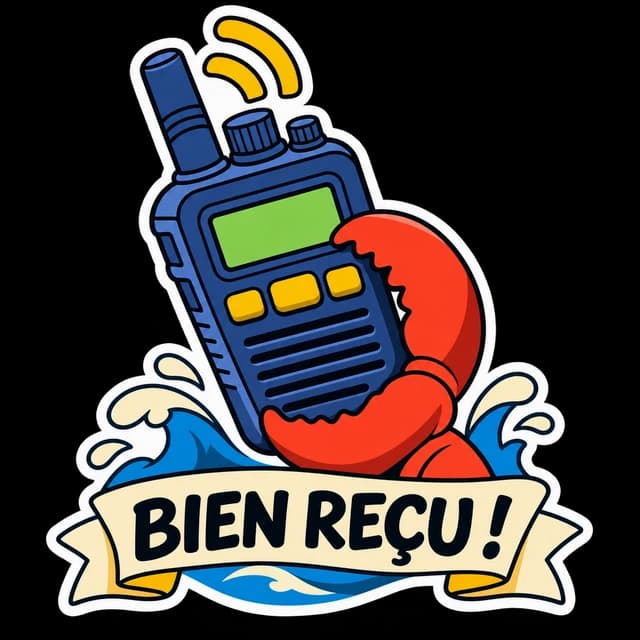
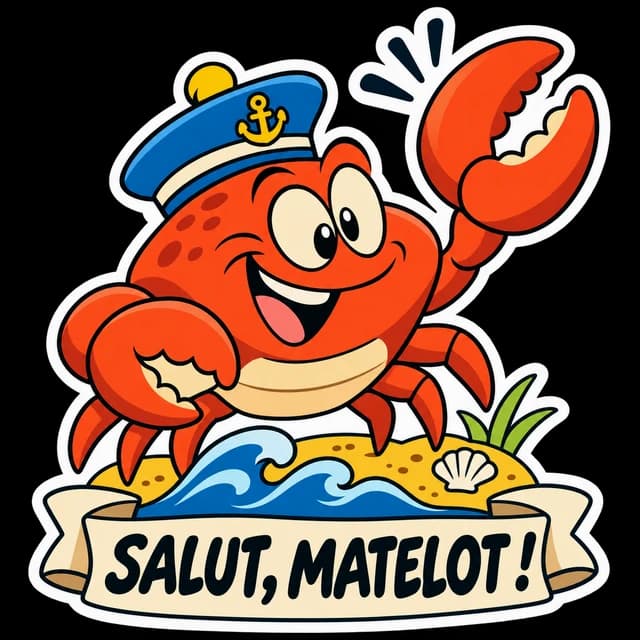
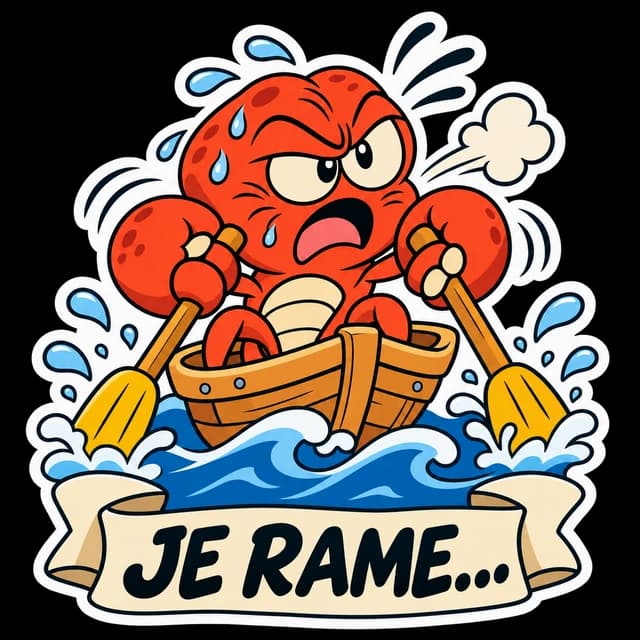
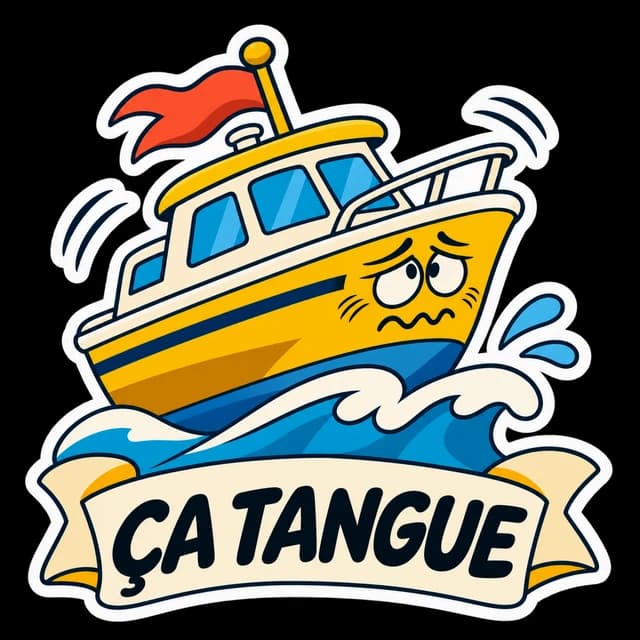
Buoys come to life, crabs become captains and nautical expressions find their way into conversations. Here is a selection of Poseidon’s stickers, bringing a little humour to the world of the app.